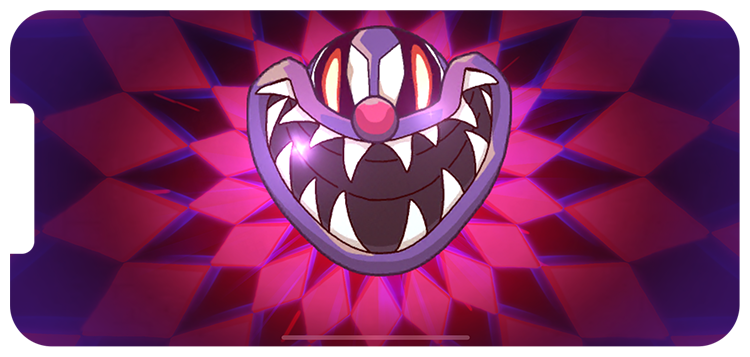

During my tenure as a lead UI/UX artist for the Phobies game, I had the privilege to shape and refine every aspect of its user interface and experience. From its initial conception to its current stage, I dedicated my expertise and creativity to creating an immersive and visually captivating gameplay environment.
As the lead UI/UX artist, my role encompassed a wide range of responsibilities. I meticulously designed intuitive navigation systems, and strategically placed interactive elements to enhance user engagement. Additionally, I focused on optimizing user flows and ensuring seamless interactions between players and the game mechanics.
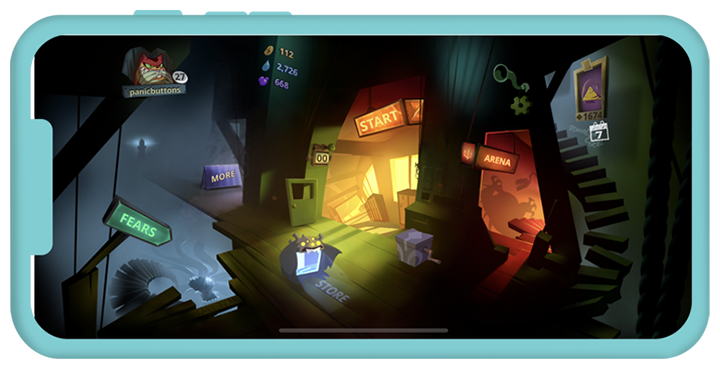

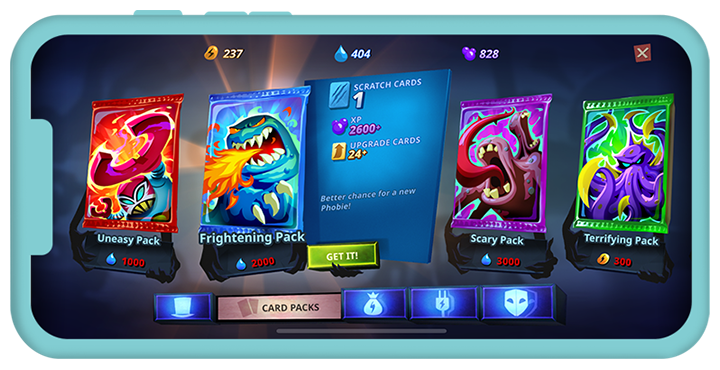

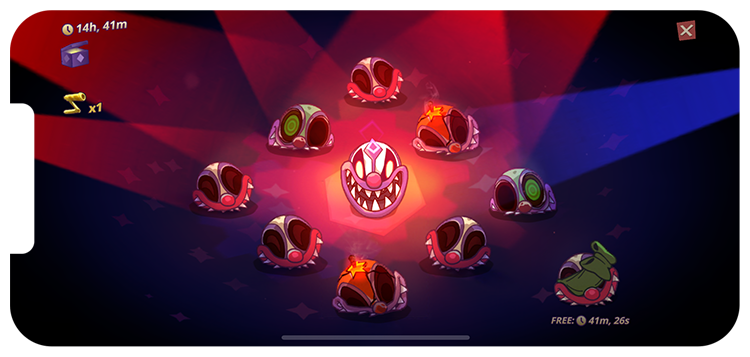
we did not shy away from being creative in our efforts to enhance the quality and experience of the game. we pushed the boundaries by breaking some conventional norms while ensuring that the functionality of the game remained intact. By doing so, we were able to enhance the overall experience and make it more enjoyable for players. This approach was evident in various screens within the game, including the Home Screen, Store, and Leaderboard.
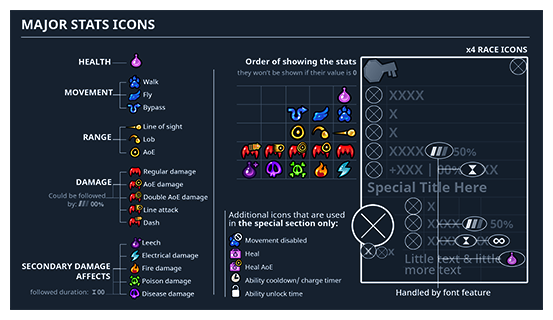
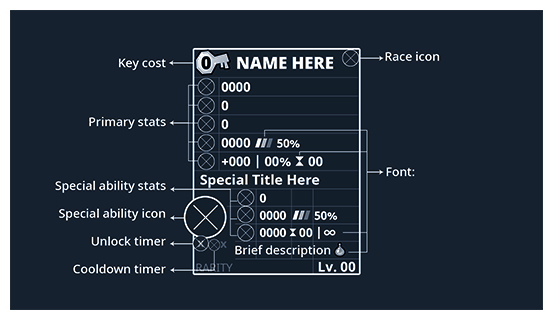
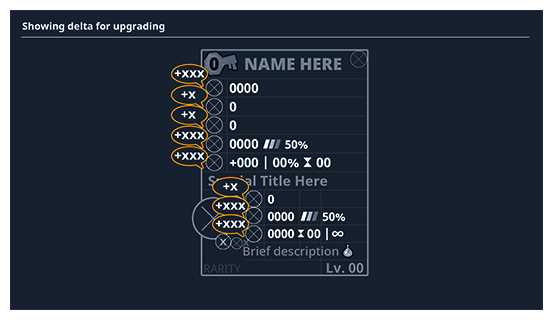
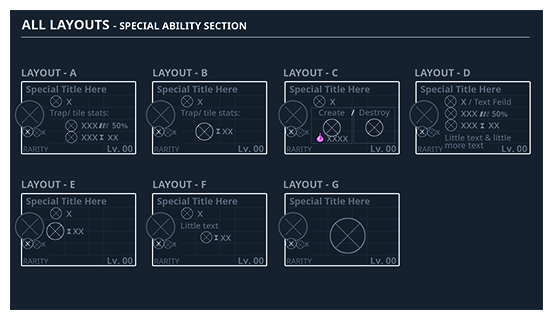
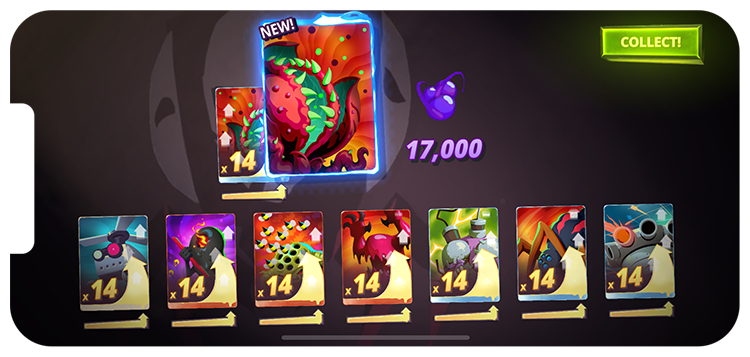
One of the challenges was designing and implementing the interface for over 150 unique phobies cards. This task required a meticulous approach, ensuring that the UI would effectively showcase each card's abilities while maintaining a smooth and intuitive user experience.
To begin, I thoroughly analyzed the various abilities and attributes of each phobies card. Understanding the intricacies of the gameplay mechanics helped me to determine the most effective ways to present this information to the players. I carefully considered how the UI would visually represent the cards' abilities, ensuring that it would be easily comprehensible and avoid overwhelming the players with too much information.
Most phobies card had a unique set of abilities, making it necessary to create a UI framework that could accommodate the different variations. I designed visually cohesive layouts that remained consistent across all the cards, making it easier for players to quickly grasp and recognize the abilities.
Additionally, I considered the future scalability and potential updates to the phobies card system. By incorporating a flexible and modular design approach, I ensured that the UI could easily accommodate future additions or changes to the card abilities without causing disruptions or inconsistencies in the overall user experience.
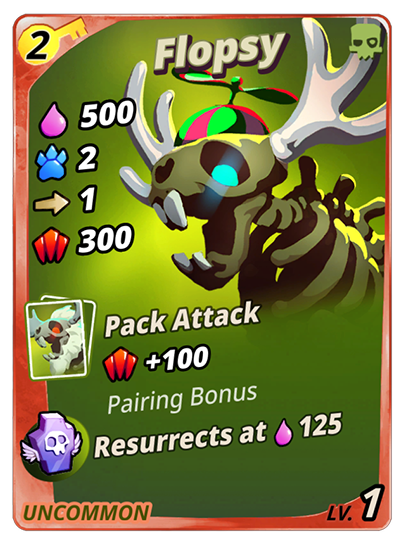
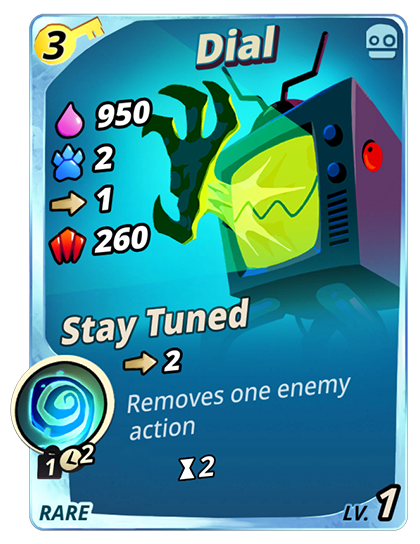
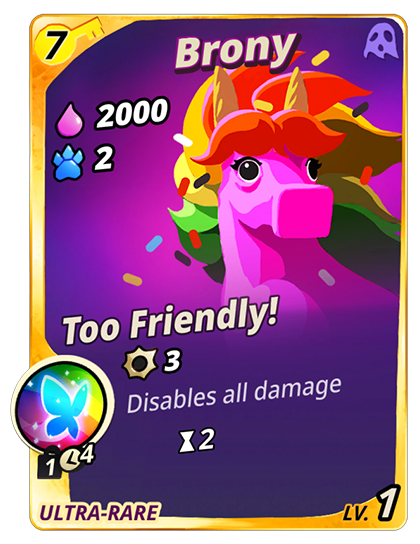
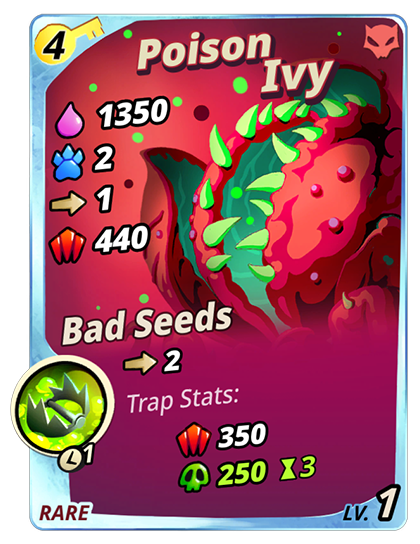
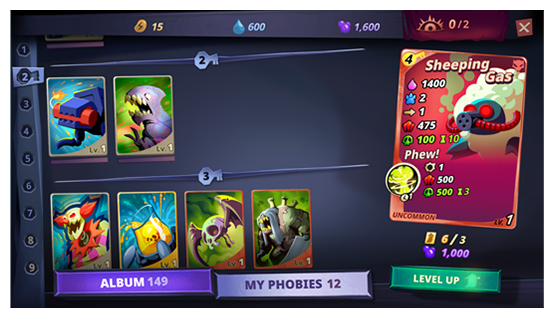
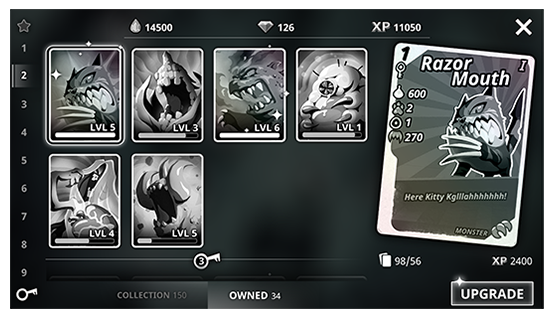
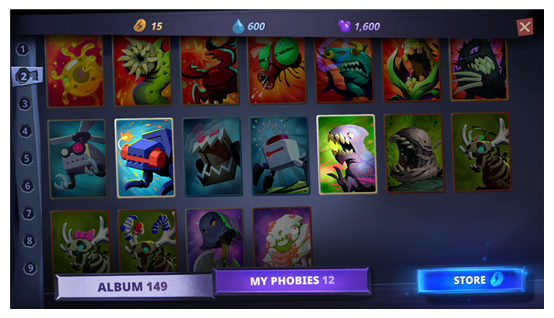
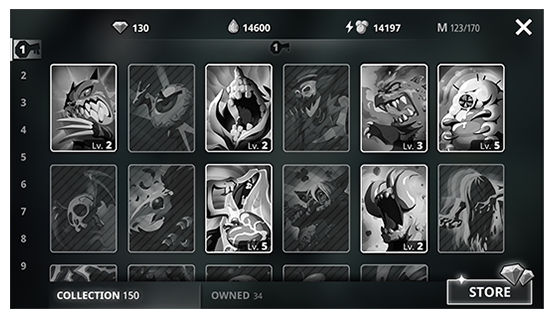
The collection screen in Phobies acts as an album. The player can see all the collected phobies and yet to be collected.
The upgrade screen on the other hand, is an essential component that allows players to enhance their gameplay and improve their characters’ stats. In this screen, players can utilize the resources they have collected to upgrade their characters. Upgrading characters empowers players to tailor their experience and adapt their tactics as they progress.
Lorem ipsum dolor sit amet, consectetur adipiscing elit. Proin sapien tellus, efficitur eget est vel, maximus tincidunt dui.
Cras dignissim, metus vel finibus rhoncus, elit est aliquam velit, vitae lacinia diam sem tincidunt massa. Donec sapien sapien, efficitur at mauris ac, eleifend maximus tortor. Suspendisse facilisis lectus id ultrices gravida.

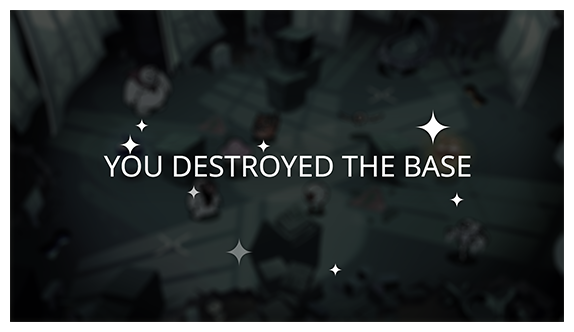


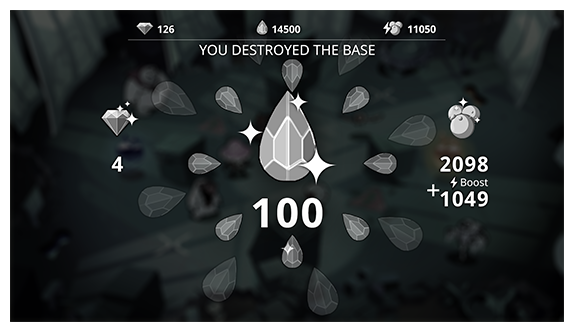
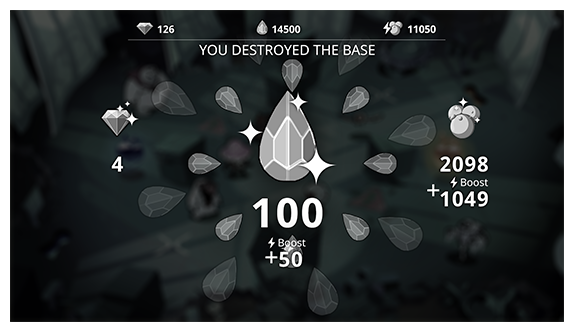
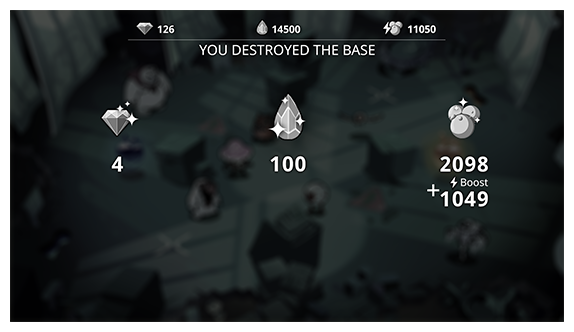
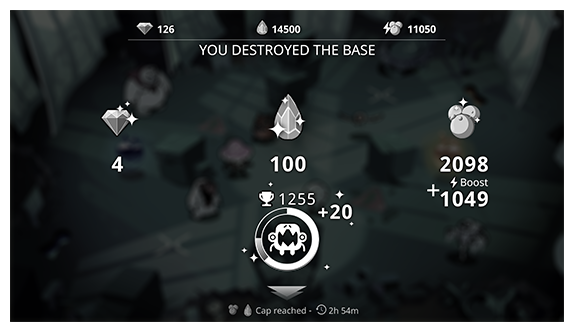
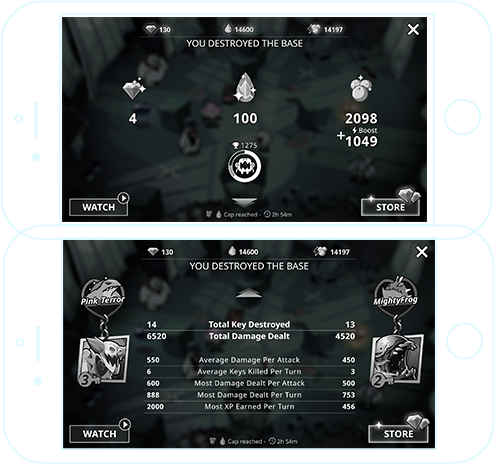
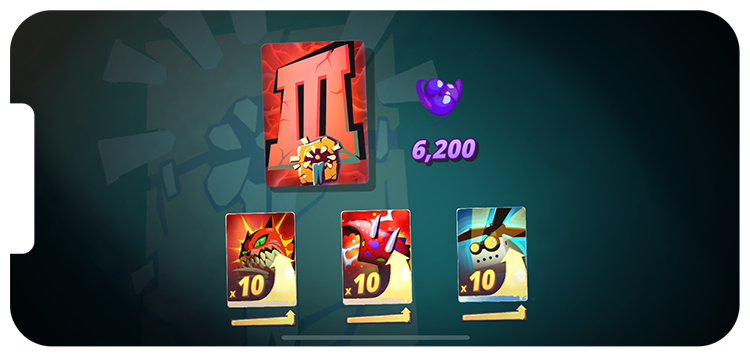
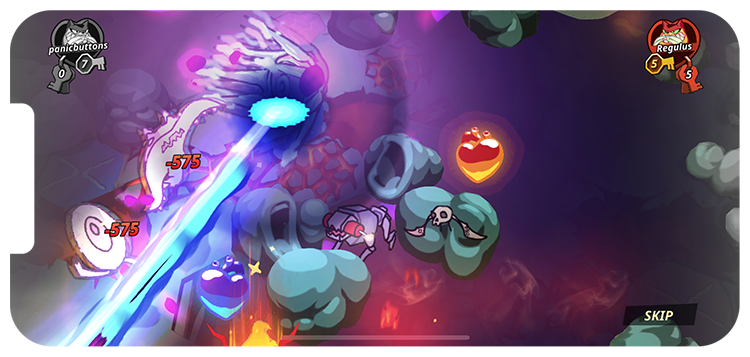
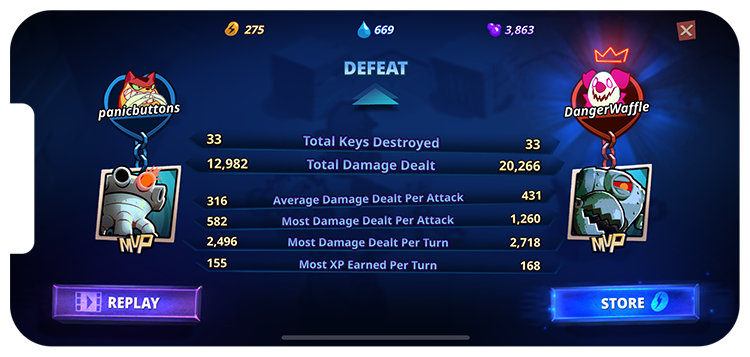
Creating a fun end of game sequence even if the player doesn’t win is a great way to ensure a positive player experience and minimize any potential hard feelings.